
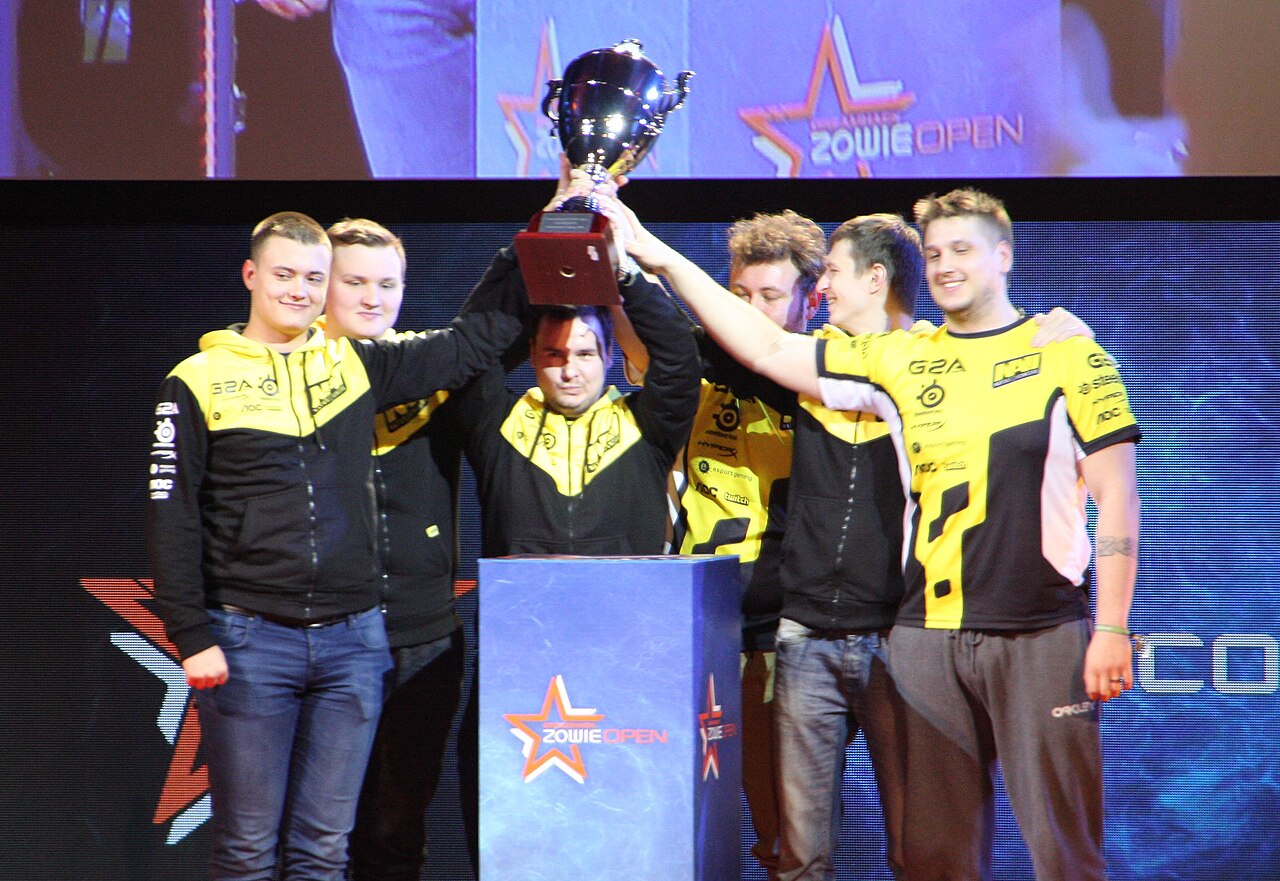

Photo: Tmv23, CC BY-SA 3.0, via Wikimedia Commons

⚡ Optimum spec (our verdict): Ryzen 5 5600X / i5-12400F + RTX 3060 Ti, 16 GB RAM, NVMe SSD — 240+ FPS at competitive settings with the frame-time stability CS2 demands. Complete tested build ≈ $750–$850 at our Bugis shop.
See Gaming Builds →WhatsApp 9131 8317Here’s what caught thousands of players off guard: the PC that ran CS:GO at 300 FPS runs CS2 at half that. Source 2, volumetric smokes and upgraded lighting made Counter-Strike genuinely demanding — and unlike most games, CS2 punishes frame-time inconsistency brutally, because spraying through a one-tap game with micro-stutters is how rounds are lost. The old “CS runs on a toaster” advice is dead.
Reading the requirements honestly
| Tier | CPU | GPU | RAM | What you actually get |
|---|---|---|---|---|
| Official minimum | 4 cores | GTX 1060-class | 8 GB | It launches; 80–120 FPS with dips |
| Casual 144 FPS | R5 3600 / i5-10400 | RTX 2060 / RX 6600 XT | 16 GB | 144 FPS most maps, dips in heavy smokes |
| Optimum: stable 240+ | R5 5600X / i5-12400F | RTX 3060 Ti | 16 GB | 240+ FPS with tight frame times |
| Pro-grade 360Hz | R7 5800X3D class | RTX 3070 Ti+ | 32 GB | 300–400 FPS, tournament stability |
CS2 is CPU-first — Source 2’s sub-tick system and smoke simulation lean hard on single-core speed, which is why the 5600X-class chips in our optimum tier matter more than a flashier GPU (see CPU vs GPU bottlenecks). Pair with an NVMe SSD; map loads and round transitions feel it. (Valve’s official minimum spec is listed on the CS2 Steam store page.)
Frame time is the real stat
Two PCs can both say “240 FPS” and feel completely different. If one delivers frames at uneven intervals, your spray transfers and flicks land inconsistently — the classic “my aim feels off tonight” that’s actually hardware. This is why we don’t recommend stretching an old quad-core into CS2 no matter the GPU: the average FPS might look fine while the 1% lows tell the true story. Balanced modern builds hold flat frame times; mismatched ones never do.
Build advice: what we’d actually sell you
From our gaming lineup: the RTX 3060 Ti + Ryzen 5 build at $750 is the CS2 sweet spot — 240+ FPS competitive settings, stable in smokes and executes. Chasing a 360Hz monitor? The Lian Li RTX 3070 Ti at $800–$950 gets you into the 300s. On a tight budget the RX 6600 XT at $600 plays a solid 144 FPS game — just know heavy smoke fights will dip. Every build is stress-tested with frame-time checks, warrantied, and you can run your own workshop maps in-store at Bugis before paying. Comparing cards? See our RTX GPU comparison.
Already own a PC that’s struggling since CS2?
You’re not imagining it — CS2 genuinely demands more than GO did. GPU usage under 90% with low FPS points at the CPU; stutters with Discord and browser open point at 8 GB RAM; FPS decaying over a long session points at dust and old thermal paste. RAM, SSD and cooling fixes are same-day at our repair service; a pre-2018 CPU usually means the honest answer is a platform upgrade — WhatsApp us your specs and we’ll tell you which.
FAQ
Source 2’s lighting, volumetric smokes and sub-tick system are far heavier. Roughly, expect half your GO frame rate on the same hardware.
CPU-first at competitive settings — single-core speed and consistency dictate your 1% lows. The GPU decides how much resolution headroom you have on top.
Aim for stable FPS above your refresh rate: 160+ for 144Hz, 260+ for 240Hz, so dips never fall below the monitor.
Yes — volumetric smokes are simulated, and a mid-fight through smoke is the heaviest moment in the game. It’s exactly where weak CPUs stutter and our optimum tier holds.
Ready for stable 240? Tell us your monitor and budget — we’ll match a CS2 build from stock, and you can test frame times yourself at our Bugis shop (open daily 11am–8pm).
Browse Gaming PCs →WhatsApp UsFurther reading: What is FPS? · Valorant PC requirements · Is a used RTX 3070 still worth it?
PC Requirements
Launches; 80–120 FPS with dips
RTX 3060 Ti · 16 GB · NVMe SSD
240+ FPS, stable frame times$750–$850