
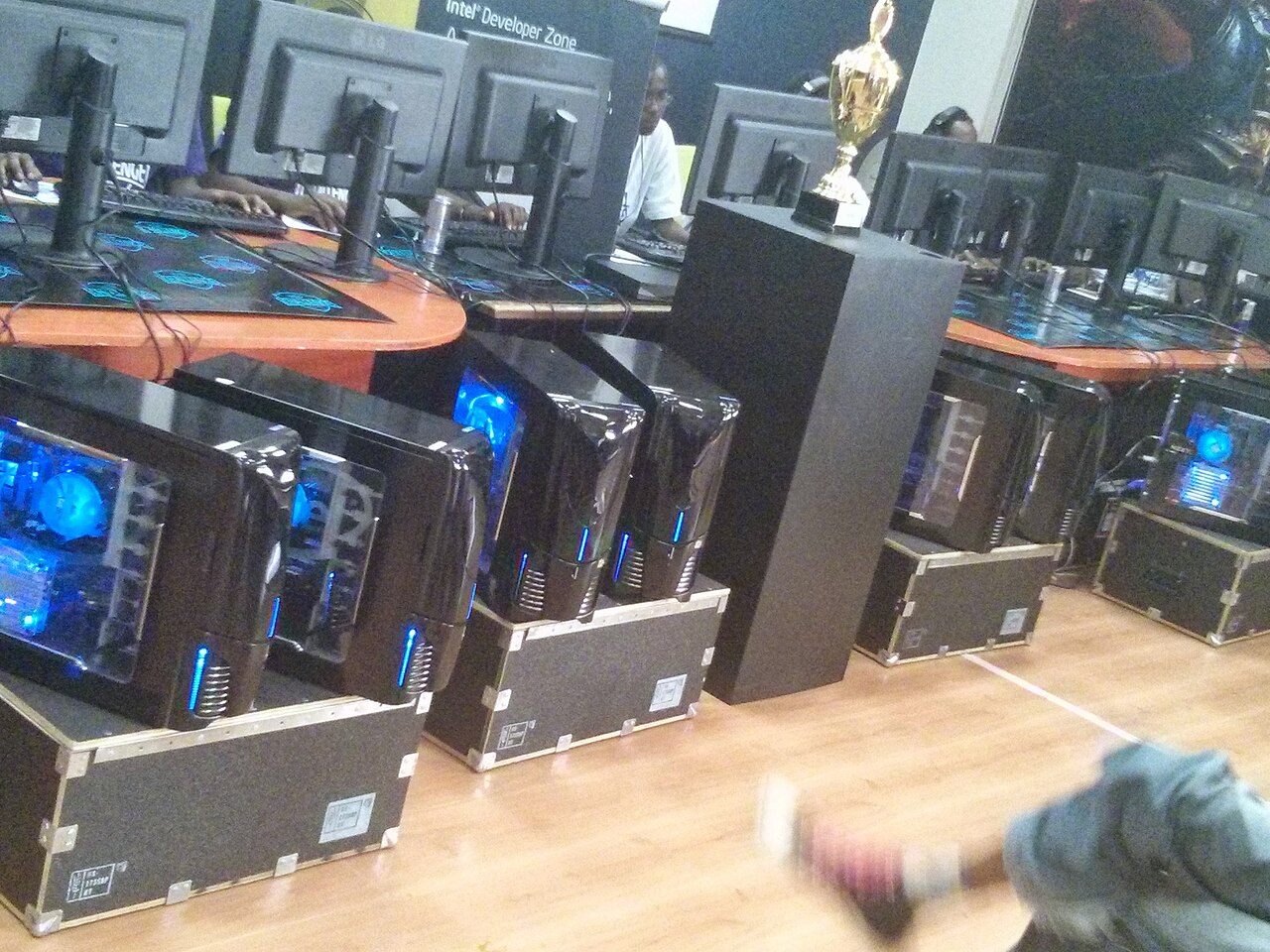

Photo: Hilary Murugu, CC BY-SA 4.0, via Wikimedia Commons

⚡ Optimum spec (our verdict): Ryzen 5 5600X / i5-12400F + RTX 3060 Ti, 16 GB RAM, NVMe SSD — a locked 144 FPS at high settings, or 240+ on tuned competitive settings. Complete tested build ≈ $750–$850 at our Bugis shop.
Overwatch 2 sits in a tricky middle zone: heavier than Valorant and LoL, lighter than AAA blockbusters — and it’s a game of constant ultimates, beams and area effects where the frame rate is most stressed exactly when the fight peaks. Blizzard’s official specs get you into the game; they don’t get you the frame rate that a hero shooter this fast actually deserves.
Reading the requirements honestly
| Tier | CPU | GPU | RAM | What you actually get |
|---|---|---|---|---|
| Official minimum | i3 / Phenom X3 | GTX 600 series | 6 GB | 30 FPS low — technically Overwatch |
| Official recommended | i7 / Ryzen 5 | GTX 1060 | 8 GB | ~60 FPS medium, dips in big fights |
| Optimum: high-refresh | R5 5600X / i5-12400F | RTX 3060 Ti | 16 GB | 144 FPS high / 240+ competitive-tuned |
| 240Hz maxed | R7 5700X+ | RTX 3070 Ti+ | 16–32 GB | 240 FPS without dropping settings |
OW2 scales well across both CPU and GPU, but team-fight chaos — five ultimates, beams, and Junkrat’s entire kit on screen — is where mid-range CPUs dip. That’s the moment worth building for, not the practice range. (Blizzard’s official tiers are on their Overwatch 2 system requirements page.)
144 vs 240: what’s worth paying for?
Overwatch 2 is a projectile-and-tracking game, and smooth tracking rewards high refresh more than most shooters. A locked 144 FPS on 144Hz is the point of transformation from console-feel to PC-feel; 240Hz is a genuine edge for hitscan players (Cassidy, Ashe, Widow mains, you know who you are). Our optimum tier reaches both — 144 at high settings for the pretty game, 240+ once you tune settings the way ranked players do.
Build advice: what we’d actually sell you
From our gaming lineup: the RTX 3060 Ti at $750 is the OW2 sweet spot for 144Hz and 240Hz-tuned play. Hitscan perfectionist on a 240Hz monitor who refuses to drop settings? The RTX 3070 Ti Lian Li at $800–$950 keeps everything high without compromise. On a budget, the RX 6600 XT at $600 runs a very respectable 100–144 FPS at medium-high. All tested, warrantied, and you can queue a quick play match in-store at Bugis before you pay.
Already own a PC that’s struggling?
The classic OW2 complaint — “fine until the teamfight, then it chugs” — is usually CPU or RAM pressure, not the GPU. 8 GB systems stutter when effects pile up; 16 GB smooths it out, a cheap same-day upgrade at our repair service. FPS that decays over a session points to cooling — dust and dried thermal paste, also a quick fix. A truly old quad-core, though, and we’ll honestly point you at the $750 build instead of a band-aid.
FAQ
What FPS should I target in Overwatch 2? A locked 144 on a 144Hz monitor is the sweet spot; 240+ benefits hitscan tracking if your monitor matches. Fight-time stability beats menu-screen peaks.
Is Overwatch 2 CPU or GPU heavy? Balanced — the GPU sets your settings ceiling, the CPU decides whether teamfights dip. That’s why we spec both evenly.
Can OW2 run on integrated graphics? At low settings around 30–40 FPS, yes — playable to try, rough for ranked. Any dedicated GPU tier transforms it.
Do I need 32 GB RAM? No — 16 GB covers OW2 plus Discord and streams comfortably. Put the difference toward the GPU or a better monitor.
Ready to lock your frames? Tell us your monitor’s refresh rate and budget — we’ll match an OW2 build from stock at our Bugis shop (open daily 11am–8pm).
Further reading: What is FPS? · CS2 PC requirements · Fortnite PC requirements
PC Requirements
30 FPS low settings
RTX 3060 Ti · 16 GB · NVMe SSD
144 FPS high / 240+ tuned$750–$850