
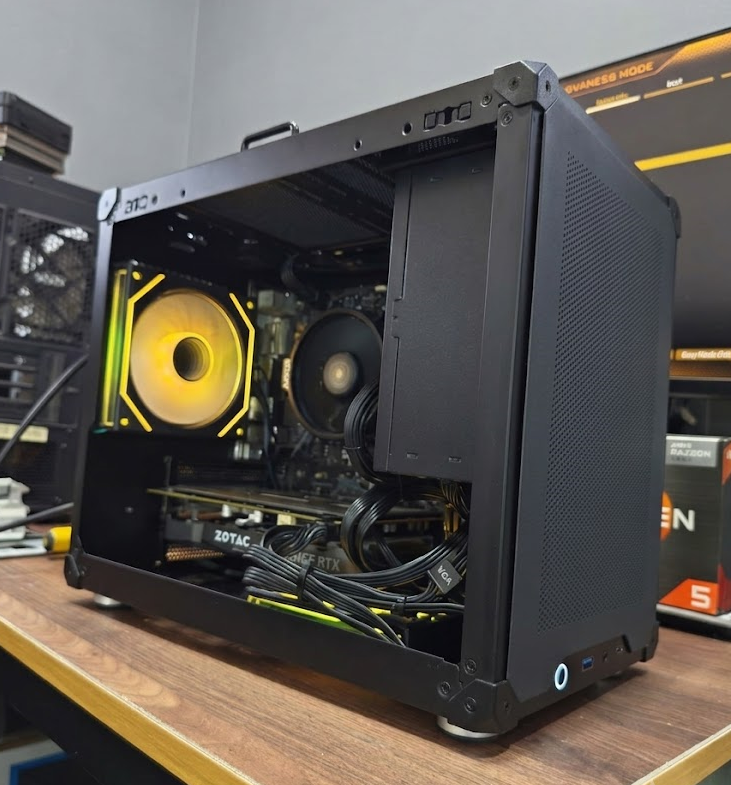
⚡ Our verdict: For spreadsheets, email, Zoom and web apps — what 90% of office machines do all day — a properly tested refurbished desktop at $550–$700 delivers the same at-the-desk experience as a $900–$1,200 brand-new one. Buy refurbished for standard desks; buy new only for enterprise support contracts or specialised heavy software.
A brand-new business desktop in Singapore starts around $900–$1,200. A properly refurbished one with near-identical real-world performance costs $550–$700. The difference on paper rarely shows up at the desk — here’s how to decide honestly.
Refurbished vs new: the honest comparison
| Factor | Brand New | Tested Refurbished |
|---|---|---|
| Price per seat | $900–$1,200 | $550–$700 |
| Office, Chrome, Zoom speed | Fast | Equally fast (SSD + 16GB) |
| Availability | Days to weeks for corporate orders | In stock, same-day collection |
| Warranty | Manufacturer | Written in-house warranty, walk-in shop |
| 10-desk fit-out | ~$11,000 | ~$5,500–$6,000 — savings pay for monitors & spares |
What “refurbished” should actually mean
Not all refurbished PCs are equal. A machine worth buying has been stress-tested on CPU, RAM and storage, cleaned internally, given a fresh Windows 11 install, and — critically — sold with a warranty. “As-is, no returns” listings on marketplaces are where the horror stories come from, not refurbished PCs as a category.
When refurbished wins
General office work. A refurbished desktop with an SSD and 16GB RAM boots in seconds and handles Office, Chrome with 20 tabs, and video calls without breaking a sweat. Paying double for a new machine buys you nothing your staff will notice.
Fitting out multiple desks. At $550 vs $1,100 per seat, a 10-desk office saves over $5,000 — enough for monitors, peripherals and a spare unit.
Replacing a dead machine fast. Refurbished units are in stock and ready for same-day collection; corporate orders for new machines often take days or weeks.
When new is worth it
Buy new if you need on-site enterprise support contracts, if the machine will run specialised heavy software (CAD, video editing — at which point you’re really shopping for a gaming-grade GPU anyway), or if procurement rules require it. For a standard admin, accounts or reception desk, they’re solving problems you don’t have.
The checklist before you buy any office PC
1. SSD, not HDD. This is the single biggest factor in how fast a PC feels. Never accept a hard-drive-only office machine in 2026 — see our full SSD vs HDD comparison.
2. 16GB RAM. 8GB works today and chokes in two years of Chrome updates.
3. Windows 11 properly licensed and freshly installed.
4. A real warranty from a shop you can walk into — not a marketplace seller who vanishes.
FAQ
Are refurbished office PCs reliable for business use? Yes — when properly stress-tested and sold with a warranty. The risky units are untested “as-is” marketplace listings, not refurbished machines as a category.
How much can an SME save going refurbished? Roughly $400–$550 per seat. A 10-desk office keeps over $5,000 — usually enough to cover monitors, peripherals and a spare unit.
How long will a refurbished office PC last? Typically 3–5+ years of office duty, and desktops can be upgraded (RAM, SSD) later to stretch that further.
Do you offer bulk pricing? Yes — from 3 units up, with delivery and setup included. See our bulk & SME page.
Fitting out an office or replacing a dead machine? WhatsApp us the number of seats and what your team runs — we’ll quote same-day, and honestly tell you if a cheaper unit does the job. Visit us at Bugis, open daily 11am–8pm.
Further reading: Best budget PC for students · SSD vs HDD guide · Why refurbished PCs are the smart buy · Plain-English PC glossary
Refurbished vs New
Same day-to-day speed for office work
SSD · 16 GB RAM · Win 11 · warranty
Bulk rates on 3+ units$550–$700