
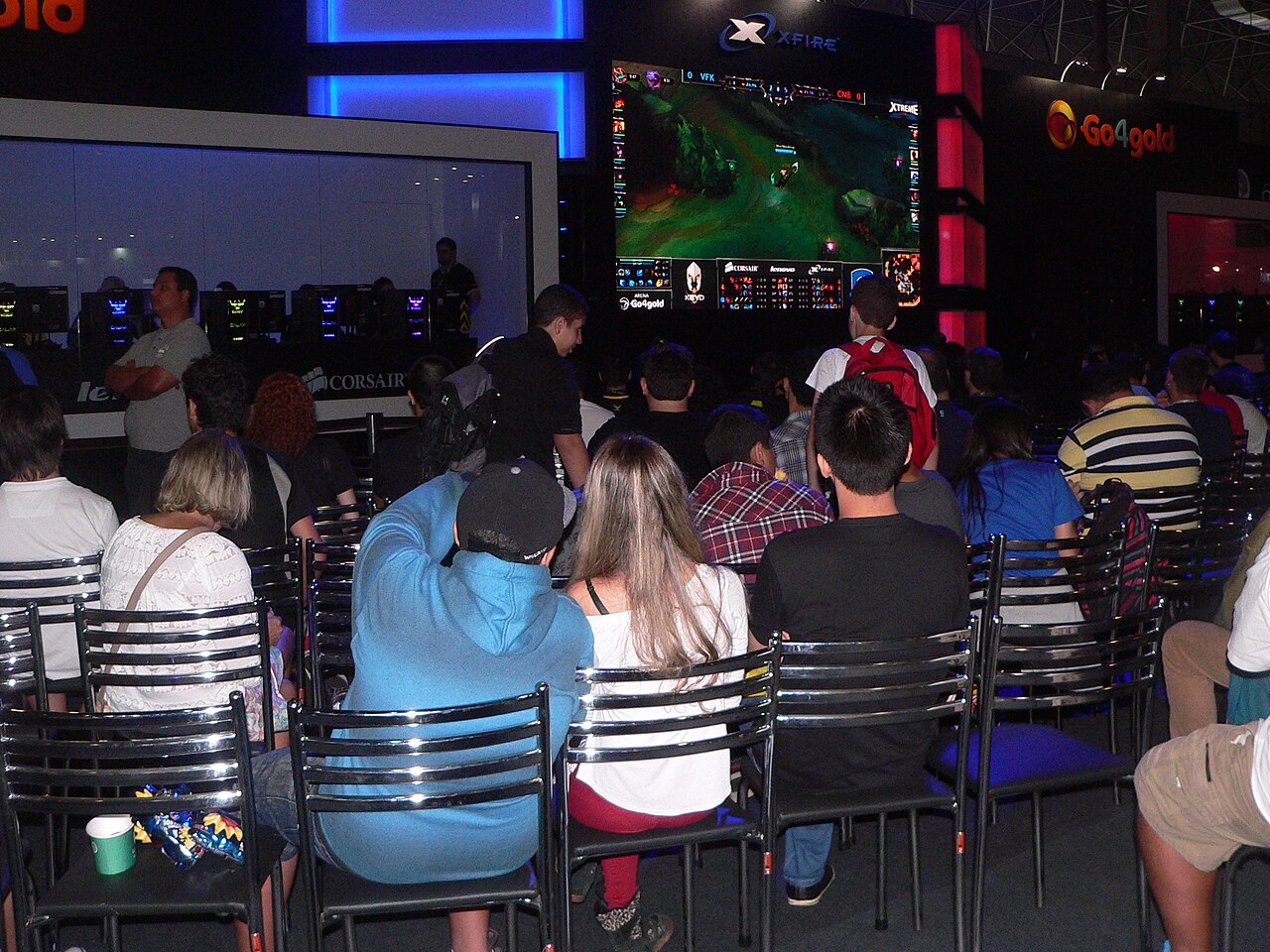

Photo: Victor Lopes, CC BY-SA 4.0, via Wikimedia Commons

⚡ Optimum spec (our verdict): Modern 6-core CPU + RX 6600 XT / RTX 2060 class GPU, 16 GB RAM, SSD — a locked 144–240 FPS even in 5v5 teamfights, where cheap PCs fall apart. Complete tested build ≈ $550–$650 at our Bugis shop.
See Gaming Builds →WhatsApp 9131 8317League of Legends will run on almost literally anything — that’s by design, and it’s why the official requirements tell you nothing useful. The real question is what happens at 25 minutes when both teams group, ults fly, and the frame rate on a weak PC drops exactly when the game is decided. Building for teamfight FPS, not loading-screen FPS, is the whole trick.
Reading the requirements honestly
| Tier | CPU | GPU | RAM | What you actually get |
|---|---|---|---|---|
| Riot minimum | Core 2 Duo era | Intel HD integrated | 4 GB | It runs — 40 FPS that halves in teamfights |
| Riot recommended | i5-3300 | GTX 560 | 8 GB | 60 FPS laning, dips when it matters |
| Optimum: stable ranked | R5 3600 / i5-10400+ | RX 6600 XT / RTX 2060 | 16 GB | 144–240 FPS locked, teamfights included |
| Streaming / dual duty | R5 5600X+ | RTX 3060 Ti+ | 16–32 GB | 240 FPS + streaming, plus every other game |
Like most esports titles, LoL leans on the CPU — particle-heavy teamfights are simulation-bound, not graphics-bound (a classic CPU bottleneck). An SSD also matters more than people think: with 14-second load screens you’ll never be the player everyone waits for. (Riot’s baseline tiers are on their official system requirements page.)
The teamfight test
Any benchmark of LoL taken mid-lane at minute 3 is meaningless. The honest measure is a 5v5 around Baron with two full item builds’ worth of effects on screen. That’s where integrated graphics drop from 100 FPS to 40, and where our optimum tier holds steady — because a modern 6-core CPU processes those 10 champions’ worth of abilities without flinching. If you play on 144Hz (and for LoL you should — it’s the cheapest genuine advantage), stability there is everything.
Build advice: what we’d actually sell you
LoL is the other game where we’ll talk you down from overspending. The RX 6600 XT build at $600 from our entry lineup runs LoL at 240 FPS — done. Spend the savings on a 144Hz+ monitor and a decent mouse. If you also want AAA gaming or streaming on the same box, the RTX 3060 Ti at $750 in the gaming lineup covers everything. All builds tested, warrantied, and you can log into your account in-store at Bugis to feel the difference before buying.
Already own a PC that’s struggling?
Classic LoL complaints map to cheap fixes: long load screens → hard drive, swap to an SSD; teamfight stutter with browser open → 8 GB RAM, top up to 16; FPS sagging after an hour → dust and dried thermal paste. All are same-day jobs at our repair service from $39. Genuinely ancient CPU? We’ll say so, and point the money at a $550 build instead.
FAQ
A locked 144 FPS matched to a 144Hz monitor is the sweet spot; 240 for serious climbers. Consistency in teamfights beats a high number in an empty lane.
Teamfights are CPU-bound — ten champions’ abilities resolving at once. Old dual/quad-cores choke there no matter what GPU you have.
Modest ones are fine — an RX 6600 XT is already overkill. CPU, RAM and an SSD shape the experience more.
For the game alone, yes; with Discord, Chrome and Spotify open (i.e. real life), 16 GB removes the stutters.
Ready to climb without hardware excuses? Message us your budget — we’ll spec a League machine from stock, tested and warrantied, at our Bugis shop (open daily 11am–8pm).
Browse Gaming PCs →WhatsApp UsFurther reading: What is FPS? · Valorant PC requirements · Best budget gaming PC under $1,000
PC Requirements
Runs, but teamfight FPS halves
RX 6600 XT · 16 GB · SSD
144–240 FPS locked in teamfights$550–$650