
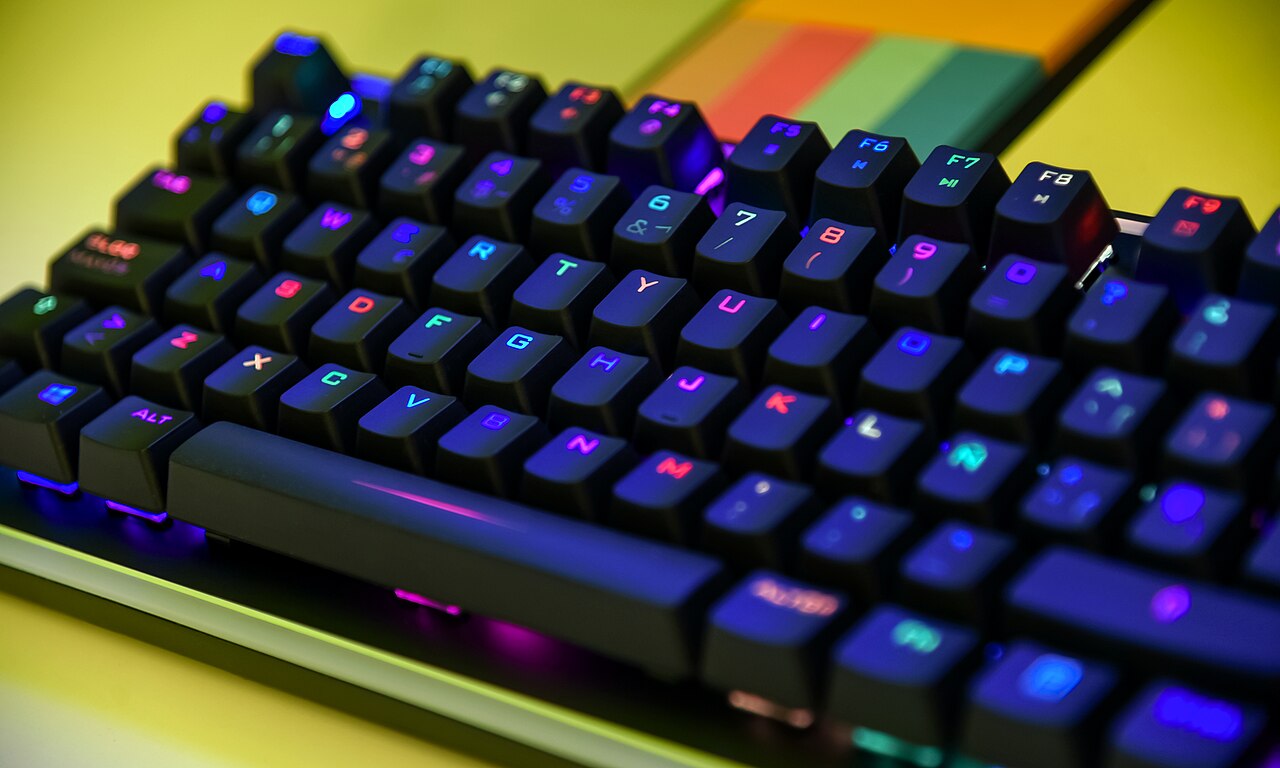

Photo: Jorge Franganillo, CC BY 2.0, via Wikimedia Commons

⚡ Optimum spec (our verdict): Any modern 6-core CPU + RTX 2060 / RX 6600 XT class GPU, 16 GB RAM, SSD — a locked 240+ FPS at 1080p, which is what actually matters in Valorant. Complete tested build ≈ $550–$650 at our Bugis shop.
See Gaming Builds →WhatsApp 9131 8317Valorant’s official requirements are famously low — Riot built it to run on office laptops so nobody is locked out. But that spec sheet answers the wrong question. Nobody asks “can my PC open Valorant?” — they ask “can it hold a frame rate that won’t get me killed in ranked?” Those are very different numbers.
Reading the requirements honestly
| Tier | CPU | GPU | RAM | What you actually get |
|---|---|---|---|---|
| Riot minimum (30 FPS) | Intel i3-370M era | Intel HD 4000 | 4 GB | It opens. That’s about it. |
| Riot recommended (60 FPS) | i3-4150 | GT 730 | 4 GB | Playable casual, choppy in fights |
| Optimum: ranked-ready | R5 3600 / i5-10400+ | RTX 2060 / RX 6600 XT | 16 GB | Locked 240+ FPS, tournament-grade smoothness |
| Overkill / streaming | R5 5600X+ | RTX 3060 Ti+ | 16–32 GB | 360+ FPS, stream + play on one PC |
Valorant is heavily CPU-bound — the engine is light on graphics but the game constantly simulates 10 players, abilities and server updates. That’s why a good CPU with a mid-tier GPU beats a weak CPU with an expensive GPU every time in this game — a classic CPU bottleneck. (You can cross-check the baseline tiers on Riot’s official Valorant specs page.)
Why 240 FPS is the real target
Valorant is a one-shot-headshot game where duels are decided in ~200 milliseconds. High, stable FPS reduces input lag and makes enemy movement render sooner — research from NVIDIA and Riot shows win rates climb with frame rate. The competitive standard is 240 FPS on a 240Hz monitor; the budget standard is 144 FPS on 144Hz. Both are cheap to reach in 2026: even our $550–$650 entry builds hold 240+ FPS at competitive settings.
Build advice: what we’d actually sell you
This is the game where we’ll talk you down from overspending. From our entry lineup, the RX 6600 XT build at $600 is genuinely all Valorant needs — 240+ FPS, money left over for a 240Hz monitor, which improves your aim more than any GPU upgrade would. If you also play AAA titles or want to stream, step up to the RTX 3060 Ti at $750 from the gaming lineup. Every build is stress-tested, warrantied, and you can test your own account in-store at Bugis before paying. Comparing graphics cards? See our RTX GPU comparison.
Already own a PC that’s struggling?
Valorant stutters usually trace to three things: an old dual/quad-core CPU (the big one), 8 GB RAM with Chrome open in the background, or running off a hard drive. A RAM top-up or SSD swap via our upgrade service is cheap and same-day; a CPU from 2015 or earlier usually means it’s smarter to put that money toward a $550 tested build instead. WhatsApp us your specs — we’ll tell you honestly.
FAQ
144 FPS minimum for a fair experience; 240 FPS matched to a 240Hz monitor is the serious-competitor standard. Stability matters more than peaks — a locked 240 beats a bouncy 300.
CPU-heavy. Prioritise a modern 6-core processor; even a mid-range GPU has headroom to spare at competitive settings.
Yes, at 30–60 FPS low — fine for trying the game, a real handicap in ranked. A basic desktop with a dedicated GPU is a night-and-day difference.
For Valorant specifically: the monitor. Our $600 build already outruns a 144Hz display — pair it with 240Hz and you’re set for years.
Ready to rank up? Tell us your budget — we’ll spec a Valorant machine from stock and you can test it in-store at Bugis (open daily 11am–8pm).
Browse Gaming PCs →WhatsApp UsFurther reading: What is FPS? · Fortnite PC requirements · Best budget gaming PC under $1,000
PC Requirements
RX 6600 XT or RTX 2060 · 16 GB · SSD
Locked 240+ FPS competitive$550–$650