
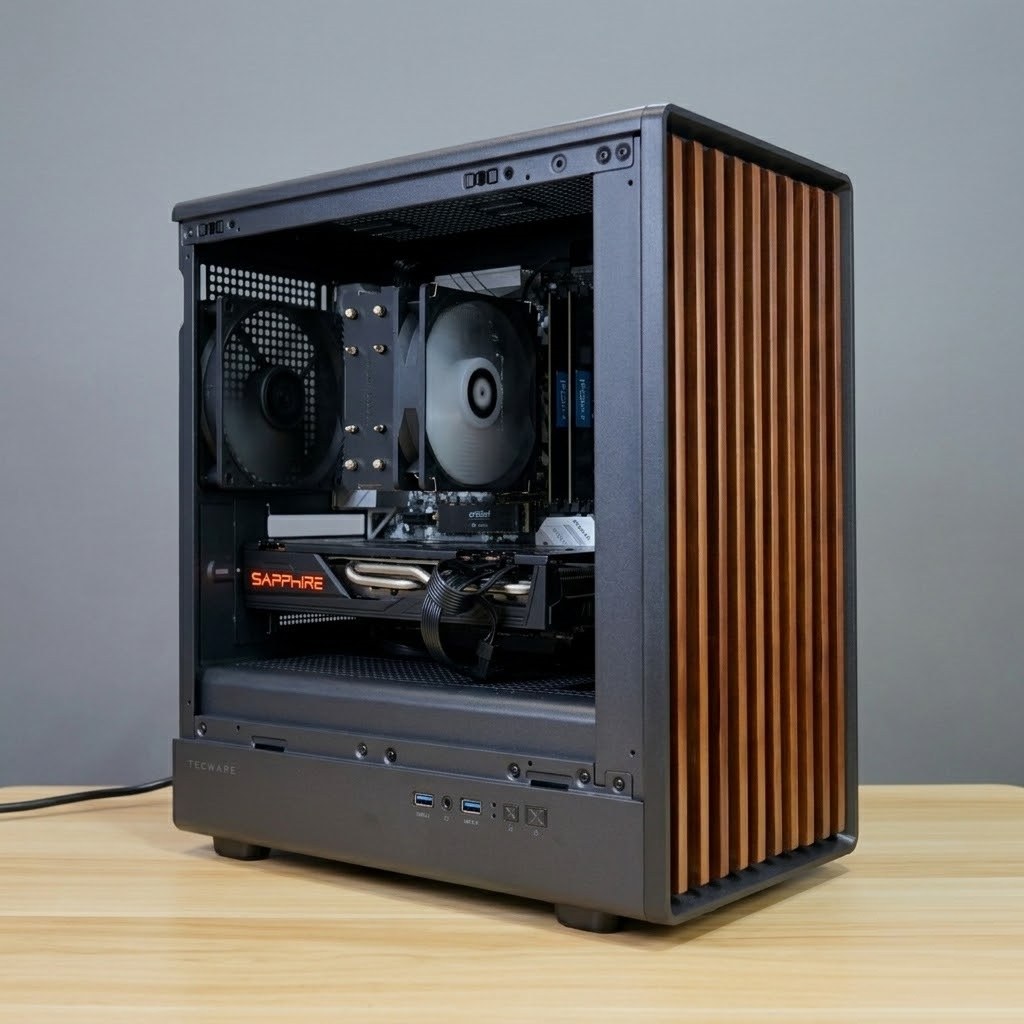
⚡ Before you panic: Roughly half of “won’t turn on” cases at our bench are a $0 fix — a dead socket, a knocked PSU switch, or a loose RAM stick. Work through the checks below in order. If it’s completely dead, smells burnt, or your data is at risk, stop and bring it in. Repairs from $50, diagnosis free with any repair.
See Repair Service →WhatsApp 9131 8317A PC that won’t power on feels catastrophic, but in our Bugis workshop roughly half of these cases turn out to be something simple. Work through this list in order before assuming the worst — and know which symptoms mean it’s time to bring it in.
First: the $0 checks
- The wall and the cable. Try a different power socket and firmly reseat the power cable at both ends. Extension strips fail more often than PCs do.
- The PSU switch. The rocker switch on the back of the power supply should be on the “I” position. It gets knocked during cleaning more often than you’d think.
- The monitor, not the PC. If fans spin and lights come on but the screen stays black, the PC may be fine. Check the monitor’s power and cable, and make sure the display cable is plugged into the graphics card, not the motherboard, if you have a dedicated GPU.
Symptom guide: what the behaviour tells you
| Symptom | Most likely cause | DIY fix? | Typical outcome |
|---|---|---|---|
| No lights, no fans — completely dead | PSU or its cable | Check cable and switch only | Workshop — PSU swap |
| Powers on a second, then off | Short protection or overheating | No — stop retrying | Workshop — repaste / clean |
| Fans spin, no display, maybe beeping | Loose RAM stick | Yes — reseat the RAM | Often a $0 fix |
| Random restarts under load | Overheating or a failing PSU | No | Workshop — quick diagnosis |
| Turns on, Windows won’t load | Failing drive | No — stop rebooting | Data recovery — bring it in now |
Completely dead — no lights, no fans. Usually the PSU or its cable. PSUs are the most failure-prone part of any desktop, and a failing one can damage other components, so don’t keep flipping the switch hoping.
Powers on for a second, then shuts off. Classic short-circuit protection or overheating trigger — often dried thermal paste or a fan clogged with dust after a few years in Singapore humidity.
Fans spin, no display, maybe beeping. Frequently a RAM stick that’s come loose. If you’re comfortable opening the case: power off, press each RAM stick down firmly until it clicks. This fixes a surprising number of “dead” PCs.
Randomly restarts or shuts down under load. Overheating or a PSU that can no longer deliver under load — both quick workshop diagnoses. If it started after a graphics card upgrade, check the new card’s power draw against your PSU.
Turns on but Windows won’t load. Likely a failing drive. If your files matter, stop rebooting repeatedly — each attempt can worsen a dying drive. This is a data-recovery situation.
When to stop DIY
Bring it in if: it’s completely dead after the $0 checks, it smells burnt, it shuts off within seconds, or your data is at risk. Poking at a shorted PSU or a dying drive can turn a cheap repair into an expensive one.
What repair costs at our shop
Our PC repair service starts from $50, diagnosis is free with any repair, and most jobs — PSU swaps, repastes, RAM/SSD upgrades — are done same-day. And if the machine genuinely isn’t worth fixing, we’ll say so and point you at a tested replacement from $550 instead of billing you for a band-aid.
FAQ
Usually not. Check the monitor and cable first, make sure the cable goes into the graphics card rather than the motherboard, then reseat the RAM. That sequence solves a large share of these cases.
From $50, with diagnosis free when you go ahead with the repair. PSU swaps and repastes are usually same-day.
If it needs one part and the rest is healthy, almost always. If it’s a decade-old machine needing several parts, we’ll tell you honestly that a $550 tested replacement is the better spend.
Often yes — but stop rebooting. Every retry on a failing drive risks more damage. Bring it in as-is and let us image the drive first.
Humidity and dust. Clogged fans and dried thermal paste build up faster here, which is why overheating shutdowns are one of the most common faults we see.
Unplug the power cable, hold the power button for 15 seconds to drain any leftover charge, then plug it back in and press the button once. On a laptop, do the same with the charger removed. If it still does nothing, check the switch on the back of the power supply and try another wall socket. If it smells burnt or cuts out within seconds, stop and bring it in.
More questions? See our common PC questions.
Still won’t start? WhatsApp us the symptoms — what lights up, what spins, what beeps — and we’ll tell you whether it’s worth a trip. Or bring it straight to Bugis Street #CFL A08, open daily 11am–8pm.
Repairs from $50 →WhatsApp UsFurther reading: SSD vs HDD guide · How we test every PC · Plain-English PC glossary
Quick Diagnosis
Check PSU rocker switch is on “I”
Reseat RAM sticks until they click
PSU swaps · repastes · RAM & SSD
Most jobs done same-dayFrom $50