
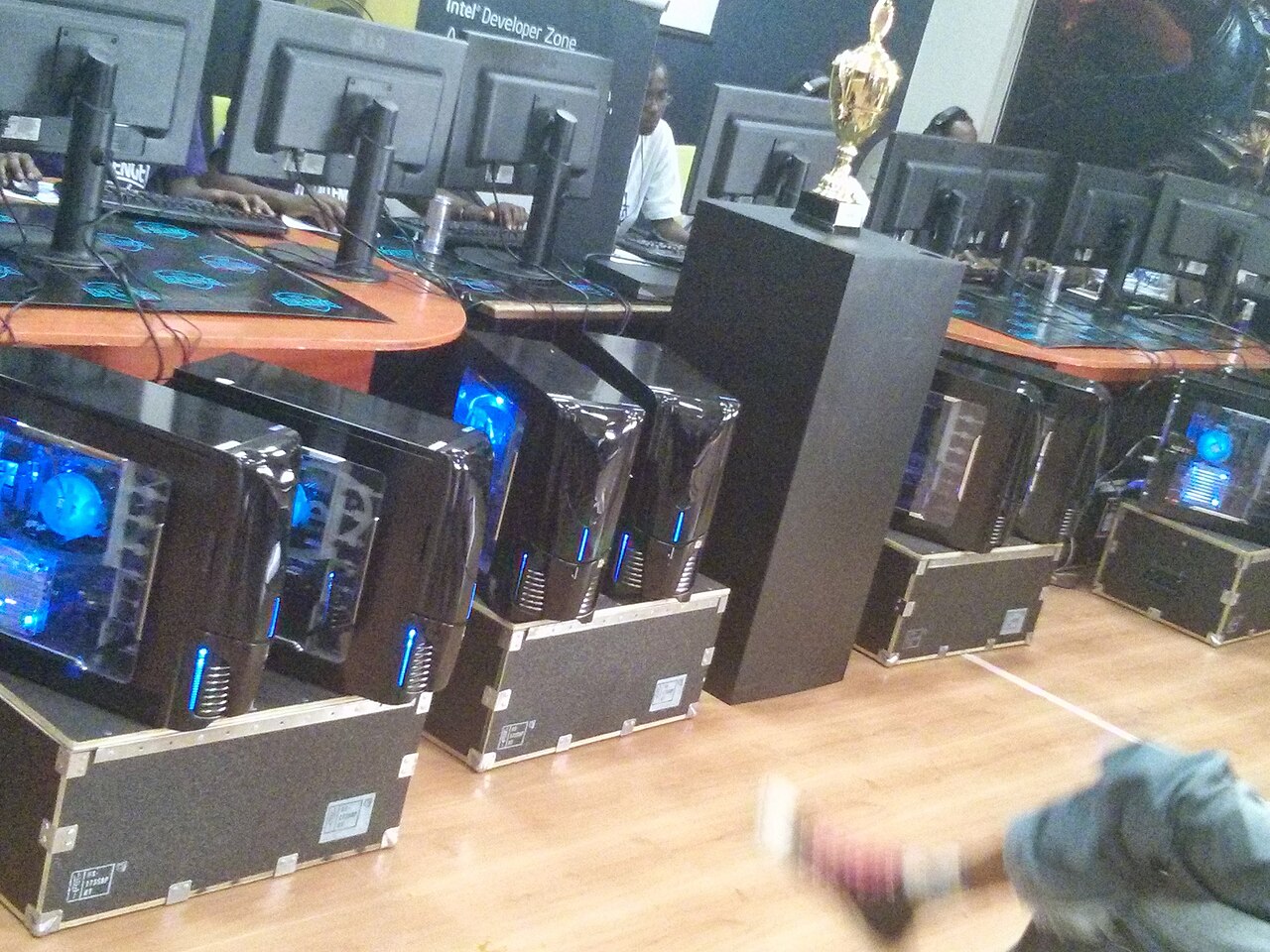

Photo: Hilary Murugu, CC BY-SA 4.0, via Wikimedia Commons

⚡ Optimum spec (our verdict): Ryzen 5 5600X / i5-12400F + RTX 3060 Ti, 16 GB RAM, NVMe SSD — a locked 144 FPS at high settings, or 240+ on tuned competitive settings. Complete tested build ≈ $750–$850 at our Bugis shop.
See Gaming Builds →WhatsApp 9131 8317Overwatch 2 sits in a tricky middle zone: heavier than Valorant and LoL, lighter than AAA blockbusters — and it’s a game of constant ultimates, beams and area effects where the frame rate is most stressed exactly when the fight peaks. Blizzard’s official specs get you into the game; they don’t get you the frame rate that a hero shooter this fast actually deserves.
Reading the requirements honestly
| Tier | CPU | GPU | RAM | What you actually get |
|---|---|---|---|---|
| Official minimum | i3 / Phenom X3 | GTX 600 series | 6 GB | 30 FPS low — technically Overwatch |
| Official recommended | i7 / Ryzen 5 | GTX 1060 | 8 GB | ~60 FPS medium, dips in big fights |
| Optimum: high-refresh | R5 5600X / i5-12400F | RTX 3060 Ti | 16 GB | 144 FPS high / 240+ competitive-tuned |
| 240Hz maxed | R7 5700X+ | RTX 3070 Ti+ | 16–32 GB | 240 FPS without dropping settings |
OW2 scales well across both CPU and GPU, but team-fight chaos — five ultimates, beams, and Junkrat’s entire kit on screen — is where mid-range CPUs dip. That’s the moment worth building for, not the practice range. (Blizzard’s official tiers are on their Overwatch 2 system requirements page.)
144 vs 240: what’s worth paying for?
Overwatch 2 is a projectile-and-tracking game, and smooth tracking rewards high refresh more than most shooters. A locked 144 FPS on 144Hz is the point of transformation from console-feel to PC-feel; 240Hz is a genuine edge for hitscan players (Cassidy, Ashe, Widow mains, you know who you are). Our optimum tier reaches both — 144 at high settings for the pretty game, 240+ once you tune settings the way ranked players do.
Build advice: what we’d actually sell you
From our gaming lineup: the RTX 3060 Ti at $750 is the OW2 sweet spot for 144Hz and 240Hz-tuned play. Hitscan perfectionist on a 240Hz monitor who refuses to drop settings? The RTX 3070 Ti Lian Li at $800–$950 keeps everything high without compromise. On a budget, the RX 6600 XT at $600 runs a very respectable 100–144 FPS at medium-high. All tested, warrantied, and you can queue a quick play match in-store at Bugis before you pay. See how these cards compare in our RTX GPU comparison.
Already own a PC that’s struggling?
The classic OW2 complaint — “fine until the teamfight, then it chugs” — is usually CPU or RAM pressure, not the GPU. 8 GB systems stutter when effects pile up; 16 GB smooths it out, a cheap same-day upgrade at our repair service. FPS that decays over a session points to cooling — dust and dried thermal paste, also a quick fix. A truly old quad-core, though, and we’ll honestly point you at the $750 build instead of a band-aid.
FAQ
A locked 144 on a 144Hz monitor is the sweet spot; 240+ benefits hitscan tracking if your monitor matches. Fight-time stability beats menu-screen peaks.
Balanced — the GPU sets your settings ceiling, the CPU decides whether teamfights dip. That’s why we spec both evenly.
At low settings around 30–40 FPS, yes — playable to try, rough for ranked. Any dedicated GPU tier transforms it.
No — 16 GB covers OW2 plus Discord and streams comfortably. Put the difference toward the GPU or a better monitor.
Ready to lock your frames? Tell us your monitor’s refresh rate and budget — we’ll match an OW2 build from stock at our Bugis shop (open daily 11am–8pm).
Browse Gaming PCs →WhatsApp UsFurther reading: What is FPS? · CS2 PC requirements · Fortnite PC requirements
PC Requirements
30 FPS low settings
RTX 3060 Ti · 16 GB · NVMe SSD
144 FPS high / 240+ tuned$750–$850